RelayDock
Your Push 3.
Now a Cubase controller.
Ableton built Push for Live. RelayDock connects it to Cubase.
macOS 13+ & Windows 10/11, both in beta • Cubase 15 • Ableton Push 3 in Controller mode
Cubase on the display. Your mix on the encoders. Your parts on the pads.
Free demo: Cubase on the display, transport and the Track page. RelayDock Pro unlocks the Mix and Device pages and the pads for a one-time $29 early-access price.
No cloud. No accounts. Runs locally next to Cubase.
Current version v0.4.3 · What's new
Your Push 3. Now a Cubase controller.
Ableton built Push for Live. RelayDock connects it to Cubase.
Free demo: Cubase on the display, transport and the Track page. RelayDock Pro unlocks everything for a one-time $29 early-access price.
If you own a Push 3 and mix in Cubase, you already know the problem. The display, the lights and the encoders are built for Ableton Live, so the Push sits on the desk while you reach for the mouse.
RelayDock fixes that.
What It Does
RelayDock gives you:
- Cubase on the Push display: track names, colours, values and transport
- An 8-channel Mix page with volume, pan, sends, meters, mute, solo and arm
- Track and Device pages for the selected track, insert plug-ins and Quick Controls
- Transport, tempo, main volume, markers, undo and save from the Push
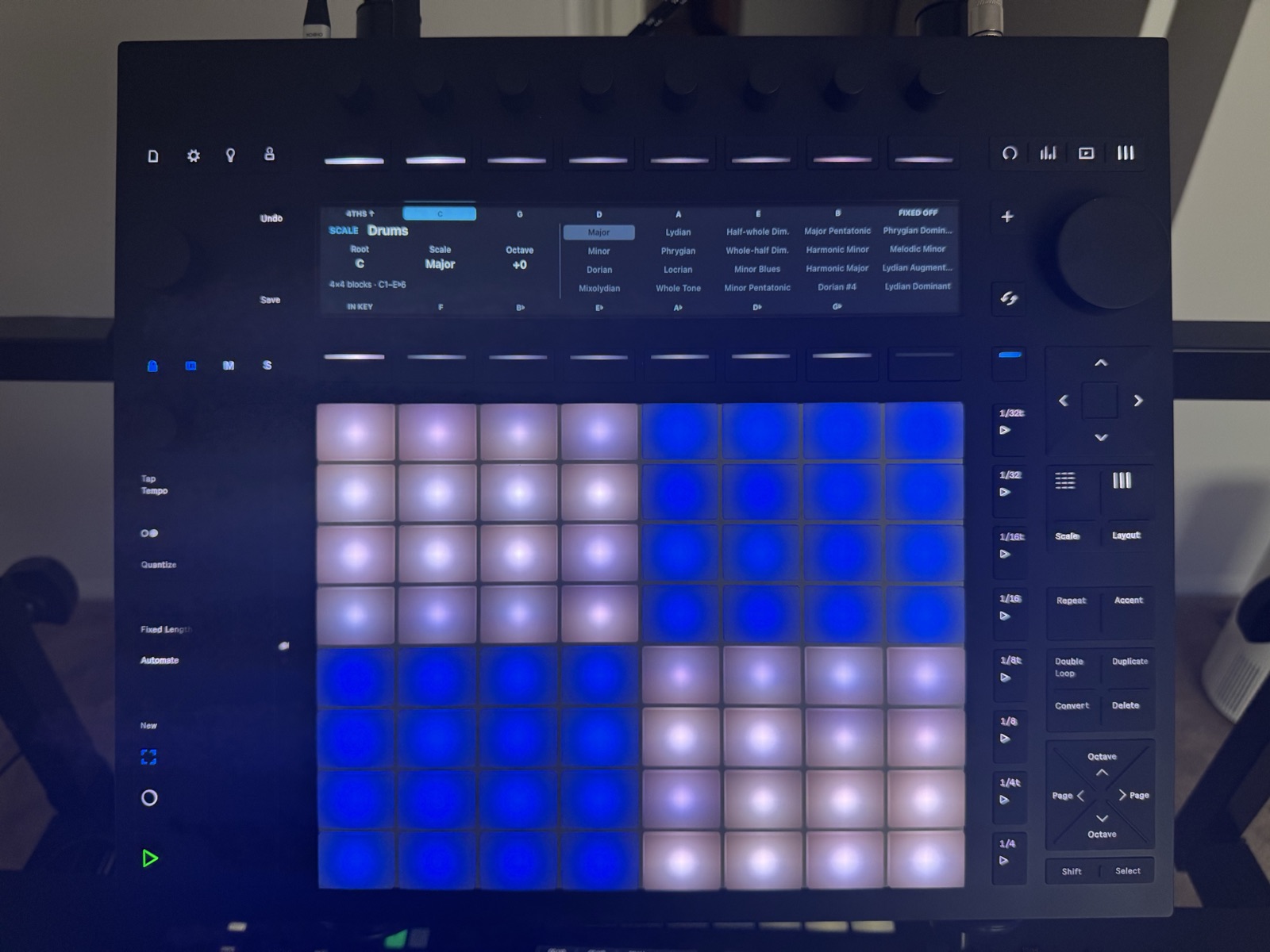
- Pads that play your instrument tracks like Note mode on Push, with 35 scales, a Drums layout, Accent and Note Repeat
The LEDs follow Cubase, so the Push always shows what Cubase is doing.
Your hands stay on the hardware, not the mouse.
The Mix and Device pages and the pads are part of RelayDock Pro. Everything else works in the free demo.
On The Push
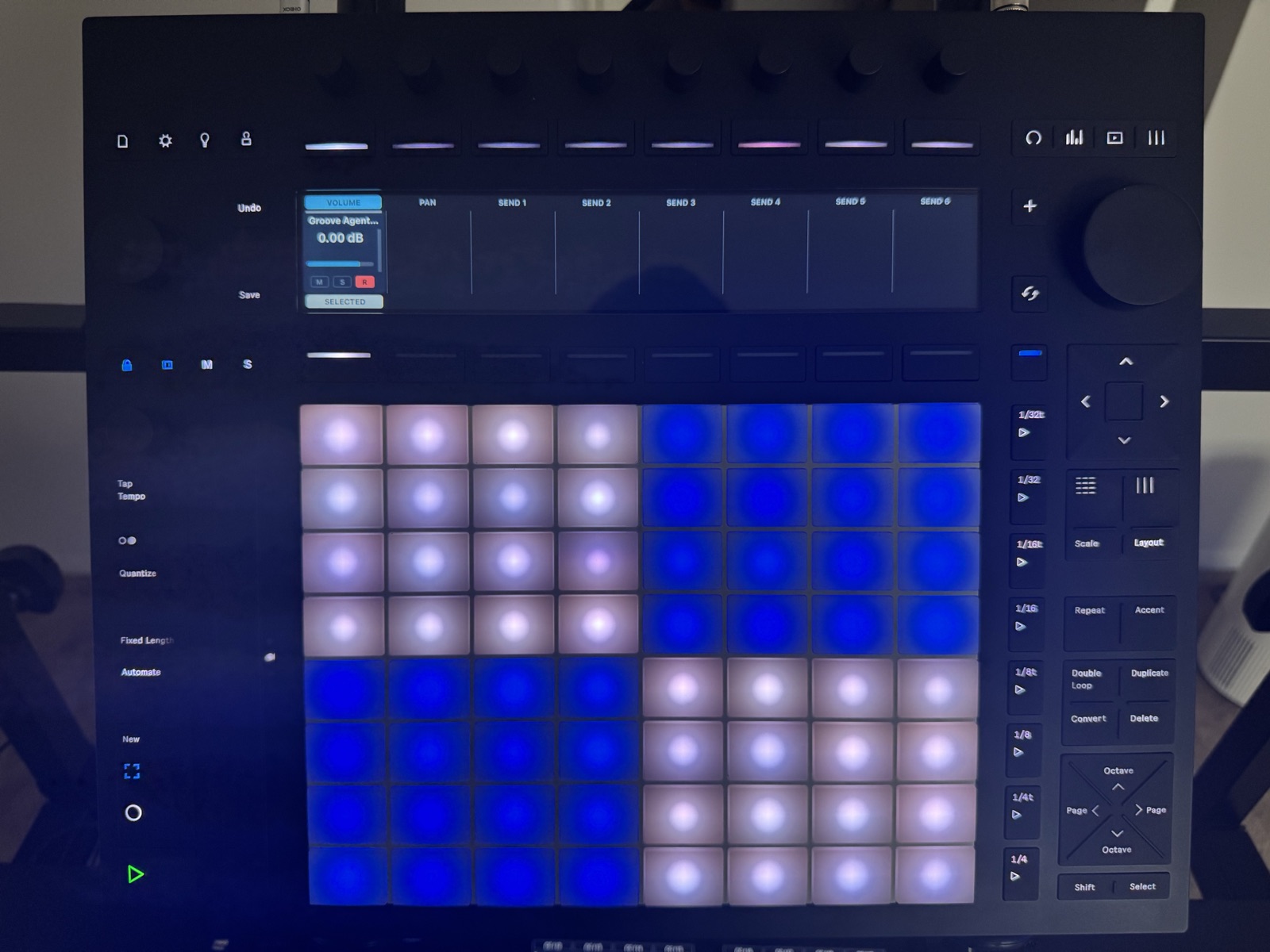
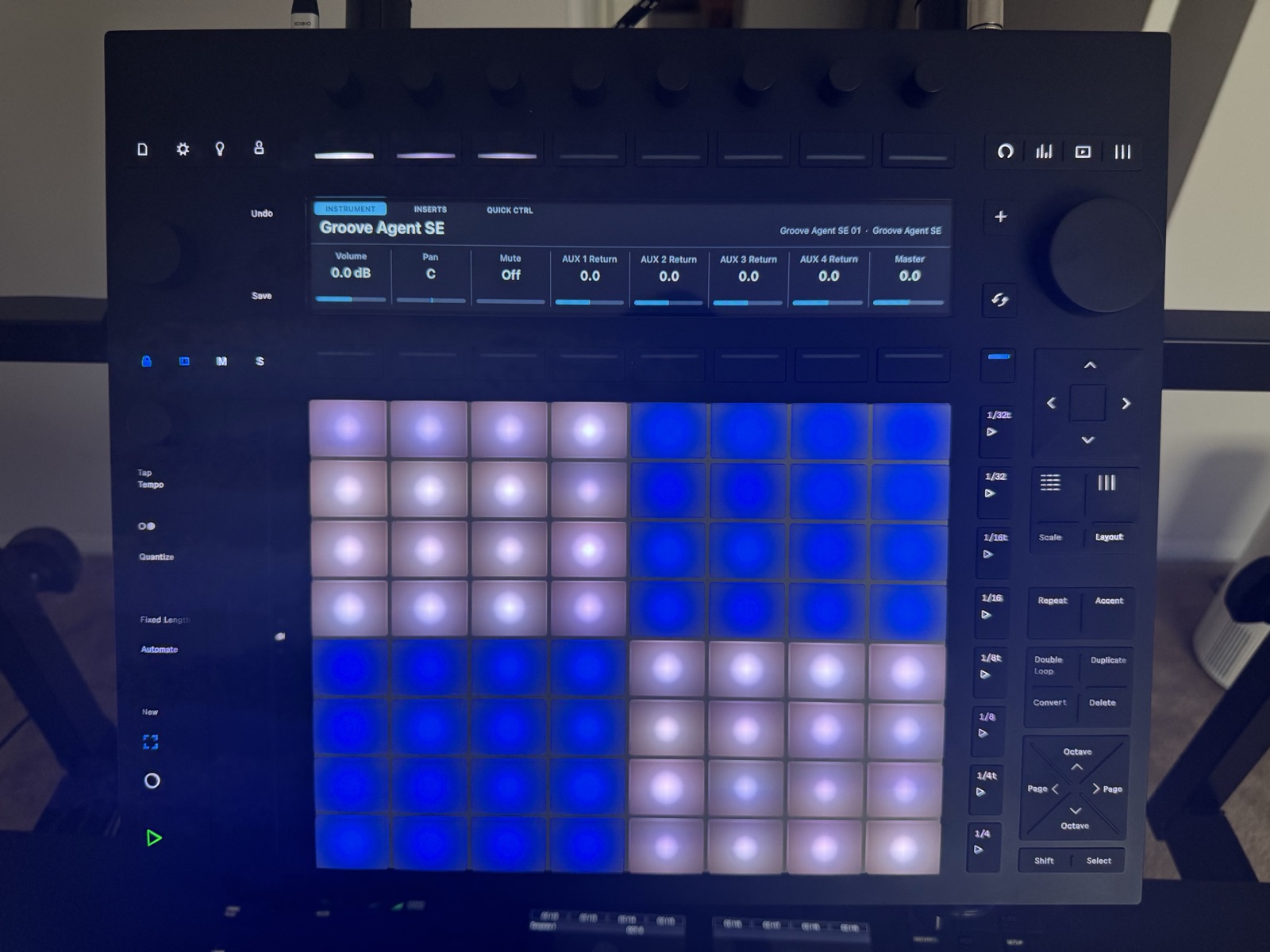
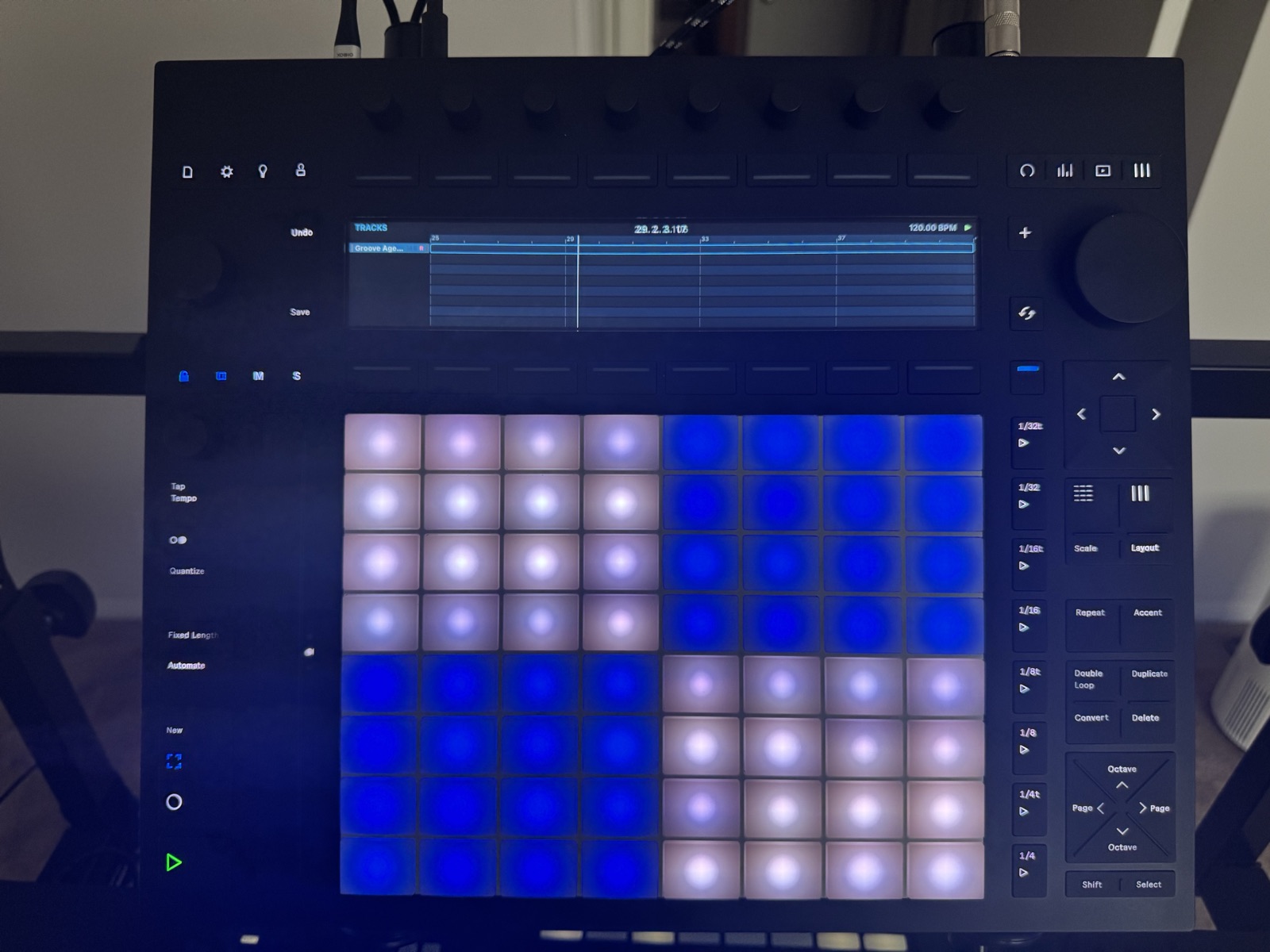
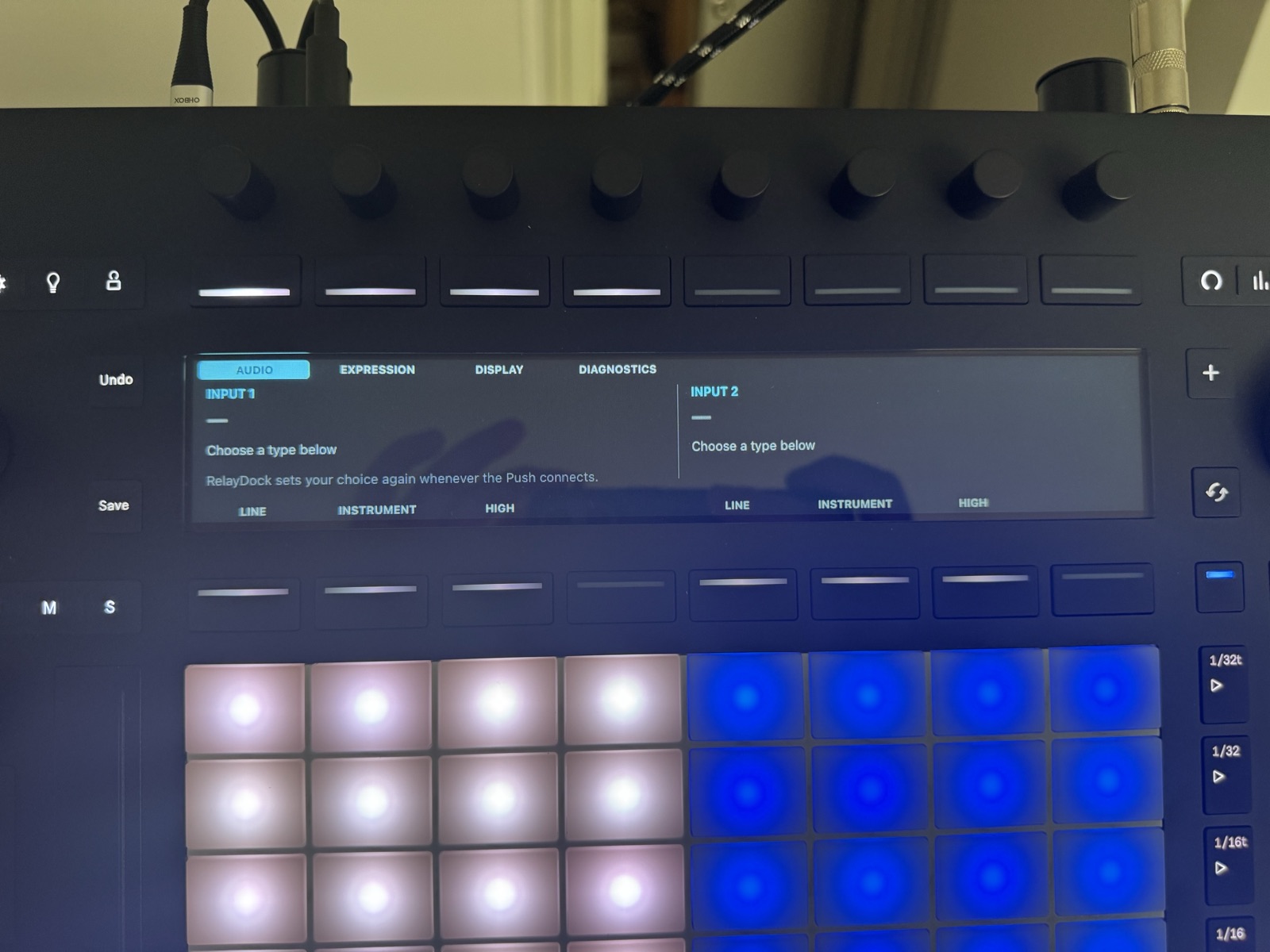
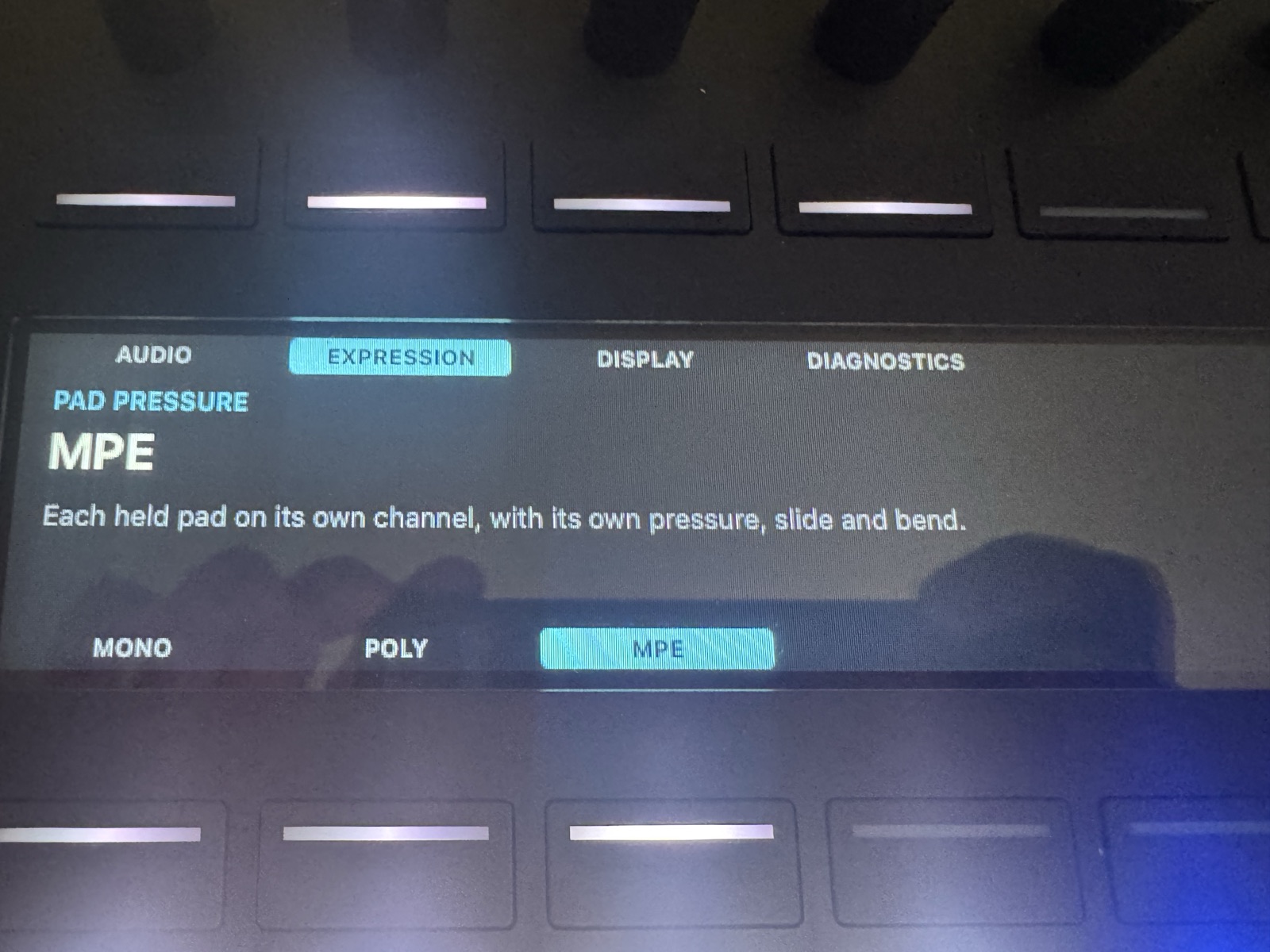
Photos of RelayDock running on a Push 3 next to Cubase 15.
Why It Exists
Push 3 is built for Ableton Live.
Cubase has no Push 3 support built in.
Cubase's MIDI Remote scripts can't reach USB, so they can't drive the Push display on their own.
Generic MIDI mapping leaves the display dark.
RelayDock fills that gap.
If you own a Push and work in Cubase, this puts it back to work.
How It Works
RelayDock is purpose-built with two lightweight parts, each with one job:
- Bridge app (macOS & Windows)Drives the Push display over USB, passes controls and LEDs between the Push and Cubase, and routes the pads to their own MIDI port. It recovers by itself when you unplug the Push or restart Cubase.
- Cubase MIDI Remote scriptAppears in Cubase's MIDI Remote tab as "Ableton Push 3 Bridge". It maps the Push to Cubase and sends track names, values and transport state back to the display.
On macOS, RelayDock runs in the menu bar with no window or Dock icon. Its menu shows the connection status and lets you turn on Start at Login.
On Windows, the bridge runs in the notification area with a status light. It installs its own MIDI driver for the RelayDock ports, so there is nothing else to install.
No firmware changes. RelayDock sends only documented, safe messages to the Push.
Start the bridge, open Cubase, and the Push lights up with your project.
Built For Producers Who
- Own a Push 3 and mix in Cubase
- Want hands-on mixing without reaching for the mouse
- Play parts on pads with scales instead of drawing them in
- Want to see Cubase track names, colours and values on hardware
If your Push sits idle every time you open Cubase, this puts it to work.
Installation
macOS (beta)
- Download and run the installer package (RelayDock.pkg)
- It installs RelayDock into Applications and the Cubase script into Documents/Steinberg/Cubase/MIDI Remote/Driver Scripts/Local, then starts RelayDock
- Quit Ableton Live. RelayDock's icon appears in the menu bar, and the Push shows "Waiting for Cubase…"
- Start Cubase and open a project
- Optional: choose Start at Login from the RelayDock menu bar icon
Windows (beta)
- Download and run the Windows installer (.exe)
- It installs the bridge, its MIDI driver and the Cubase script, and can start RelayDock at login
- If Cubase was running, restart it so it sees the RelayDock ports
- Quit Ableton Live and check for the RelayDock icon in the notification area, next to the clock
- Start Cubase and open a project
Then in Cubase, open Studio → Studio Setup → MIDI Port Setup and untick In 'All MIDI Inputs' for RelayDock and the Push's own ports. Leave RelayDock Notes ticked: that's the pads.
Prefer not to use the Windows installer? Download the Windows ZIP and run the included PowerShell install scripts.
Once it's running, the user manual walks through every page, encoder and button on the Push.
Activate Pro: after you buy, your license key arrives by email. Click the RelayDock icon in the menu bar (the notification area on Windows), choose Activate License…, and paste the key.
That's it.
Requirements
macOS (beta)
- Apple Silicon Mac, macOS 13 or later
- Cubase 15
- Ableton Push 3 in Controller mode, over USB
- Ableton Live closed while RelayDock runs
Windows (beta)
- Windows 10 or Windows 11, x64
- Cubase 15
- Ableton Push 3 in Controller mode, over USB
- Nothing else: RelayDock installs its own MIDI driver
Cubase 13.0.50 and 14 should work but are untested. Push 2 isn't supported yet.
Ready to put your Push to work in Cubase?
Start with the free demo, then unlock RelayDock Pro at the $29 early-access price when you're ready.
Updates
RelayDock checks for a new version once a day when it starts and tells you when there is one, with a Download button; Check for Updates… in its menu does the same on demand. Install the new version the same way as the first. It replaces the bridge and the Cubase script. Then restart Cubase, or use Reload Scripts in the Script Console.
FAQ
Which Cubase MIDI port settings are required?
In Studio → Studio Setup → MIDI Port Setup, untick In 'All MIDI Inputs' for RelayDock and the Push's own ports: Ableton Push 3 Live Port and User Port on macOS, or Ableton Push 3 MIDI and MIDIIN2 (Ableton Push 3 MIDI) on Windows. Otherwise touching the Push can play notes on record-enabled tracks.
Keep RelayDock Notes ticked. That's the pads.
What are the system requirements?
macOS (beta): Apple Silicon, macOS 13 or later, Cubase 15, and a Push 3 in Controller mode.
Windows (beta): Windows 10 or 11 (x64), Cubase 15, and a Push 3 in Controller mode. RelayDock installs its own MIDI driver.
Is there a manual?
Yes. The RelayDock user manual documents every Push 3 button, encoder and page as it behaves in Cubase.
Can I use RelayDock while Ableton Live is open?
No. While Live runs, it keeps the Push display to itself. Quit Live before starting RelayDock.
Does it work with Push 2?
Not yet. Push 2 uses the same display protocol but a different MIDI map.
How far along is RelayDock?
It's an early release. The display, transport, track navigation, the pads and automatic reconnection are verified on a Push 3 on both macOS and Windows. The Mix, Track and Device pages are built and tested in software, and hardware testing is under way.
Can the Push show my Cubase clips?
No. Cubase's MIDI Remote API doesn't expose arrangement clips, so the Tracks page shows track names, a timeline and the playhead, but not clips.
The Push shows Ableton's "connect to computer" screen. What's wrong?
Check that RelayDock is running and Ableton Live is closed. On Windows, the Push display also needs the WinUSB driver. The install guide included with the download explains how to check it.
What does the free demo include?
Cubase on the Push display, transport, metronome, cycle, undo, redo and save, track navigation, the Track page, the Tracks page, main volume, tempo, the jog wheel, markers and the diagnostics page.
RelayDock Pro adds the Mix and Device pages and the pads, including Scale, Layout, Octave, Accent and Note Repeat. In the demo, those controls show a short RelayDock Pro message on the Push.
How do I activate RelayDock Pro?
After you buy, your license key arrives by email. Click the RelayDock icon in the menu bar (on Windows, in the notification area), choose Activate License…, and paste the key.
How much does RelayDock cost?
The demo is free. RelayDock Pro is $29, a one-time early-access price. Checkout is handled securely by Stripe. Click "Buy for $29" to view checkout.
Is RelayDock made by Ableton or Steinberg?
No. RelayDock is unofficial and isn't affiliated with, endorsed by, or supported by Ableton or Steinberg. It doesn't modify the Push firmware.
Open Cubase. Your Push is ready.
Ableton built Push for Live. RelayDock connects it to Cubase.
If you'd rather have your hands on the mix than on the mouse, you'll feel the difference immediately.
User manual · Changelog · Legal: Privacy Policy | Terms of Use
"Ableton" and "Push" are trademarks of Ableton AG. "Cubase" and "Steinberg" are trademarks of Steinberg Media Technologies GmbH. RelayDock is unofficial and not affiliated with either company.
← Back to Tools & Products